projector
5 999₽
- Скидка 50% на все плагины50% off every plugin
- Pre-release: новые версии раньше всехPre-release: new versions before everyone else
- Цветной значок projector в лаунчереA coloured projector badge in the launcher

Shiny Ruby
Коррекция высоты голосаVocal pitch correction
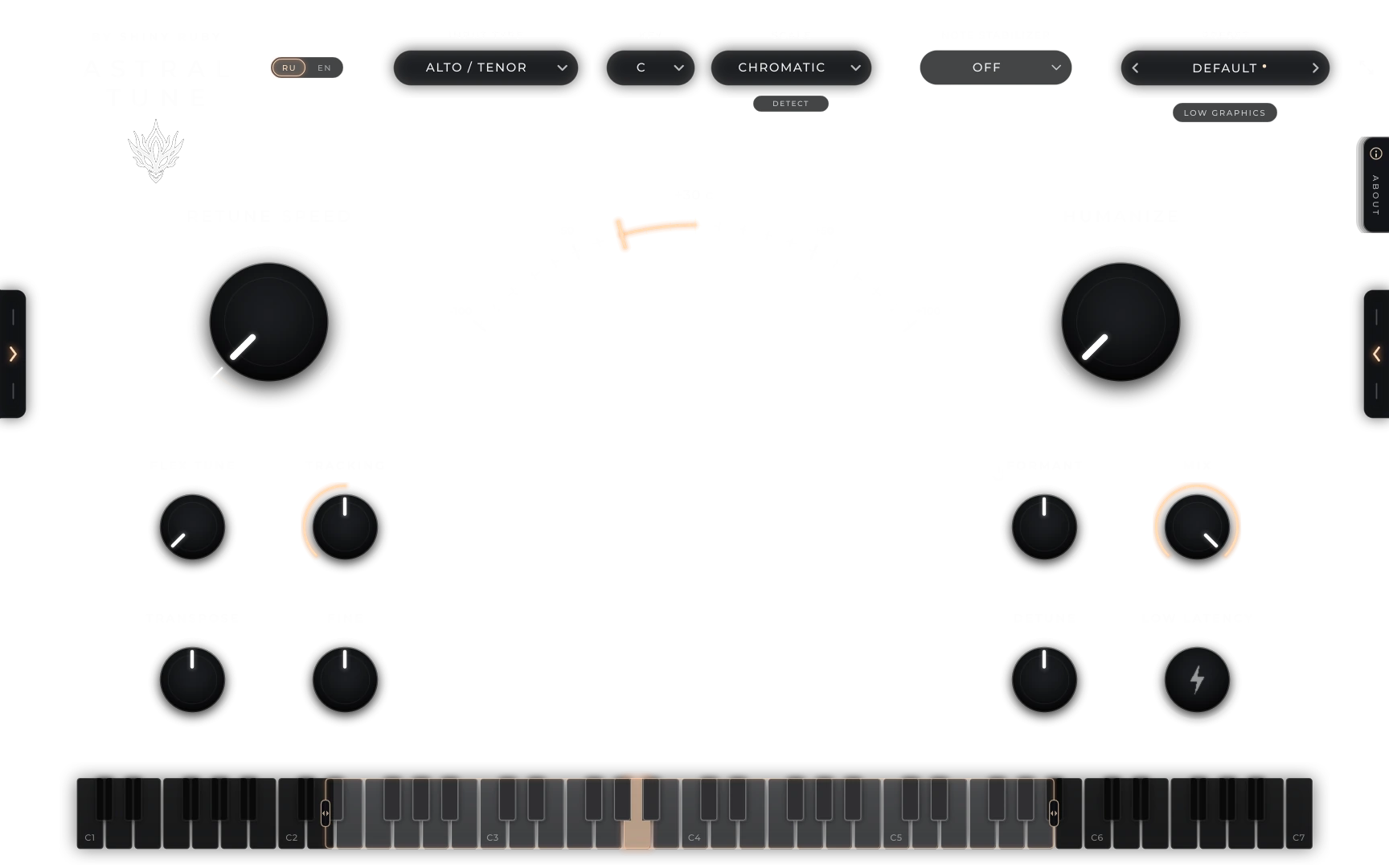
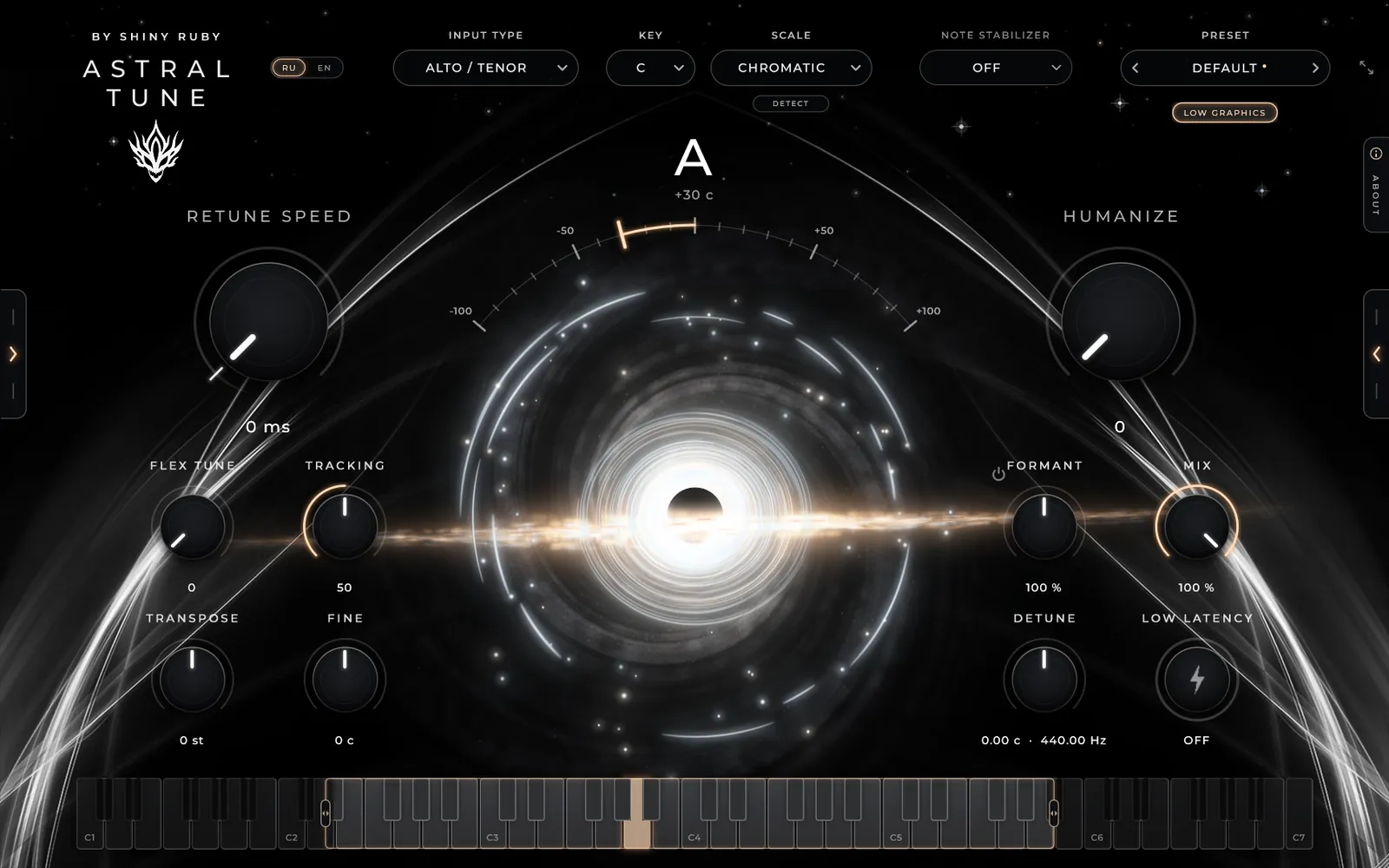
От мягкой естественной подстройки до жёсткого роботизированного эффекта. Звучит и ведёт себя так, как привыкли продюсеры, плюс хорус, гармонии и глитч в одном окне. From gentle, natural correction to the hard robotic effect. Sounds and behaves the way producers are used to, plus chorus, harmonies and glitch in the same window.
Оплачивая, вы принимаете условия оферты и правила возврата.By paying you accept the offer and refund terms (in Russian).
Голос управляет звукомYour voice plays the sound
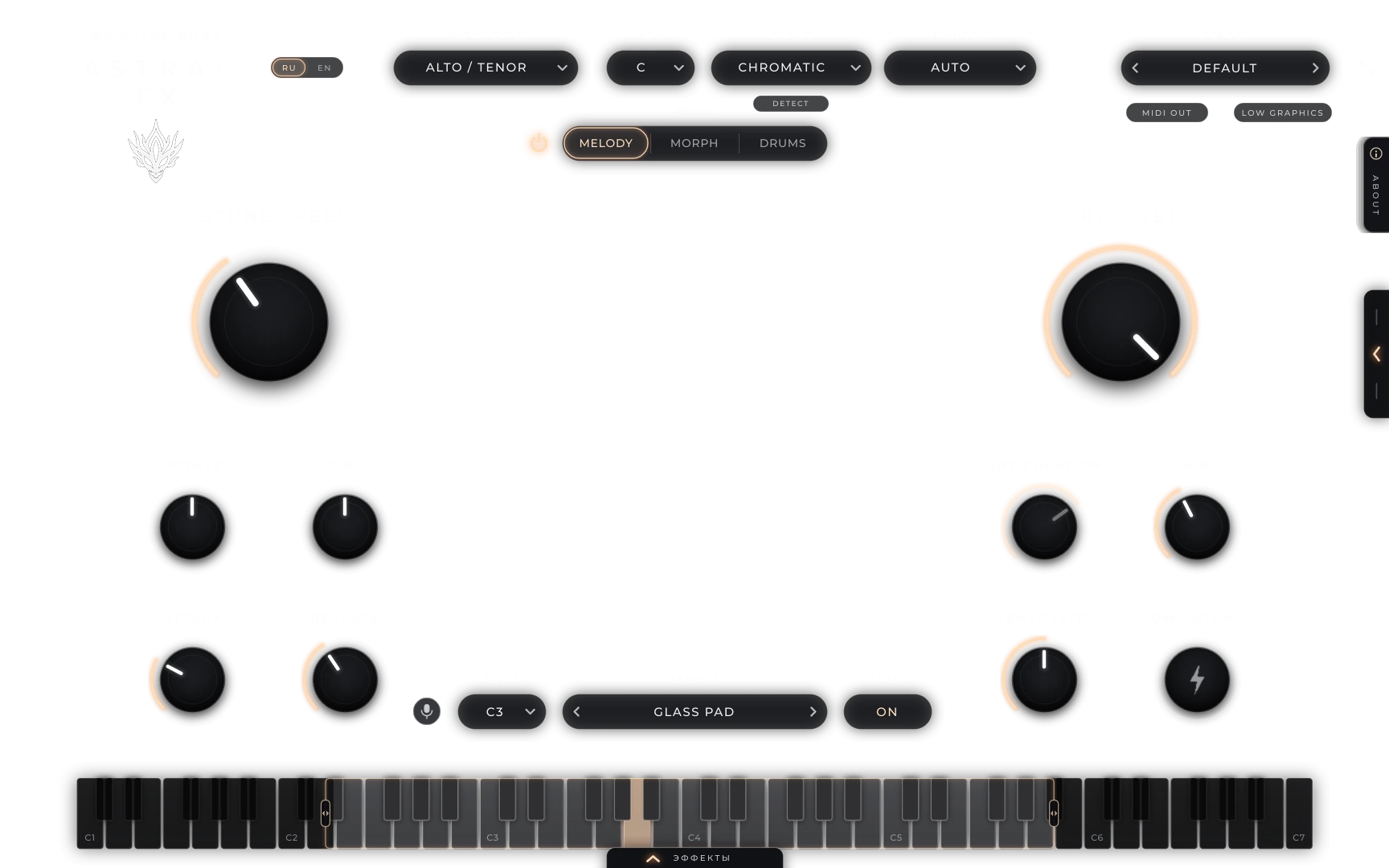
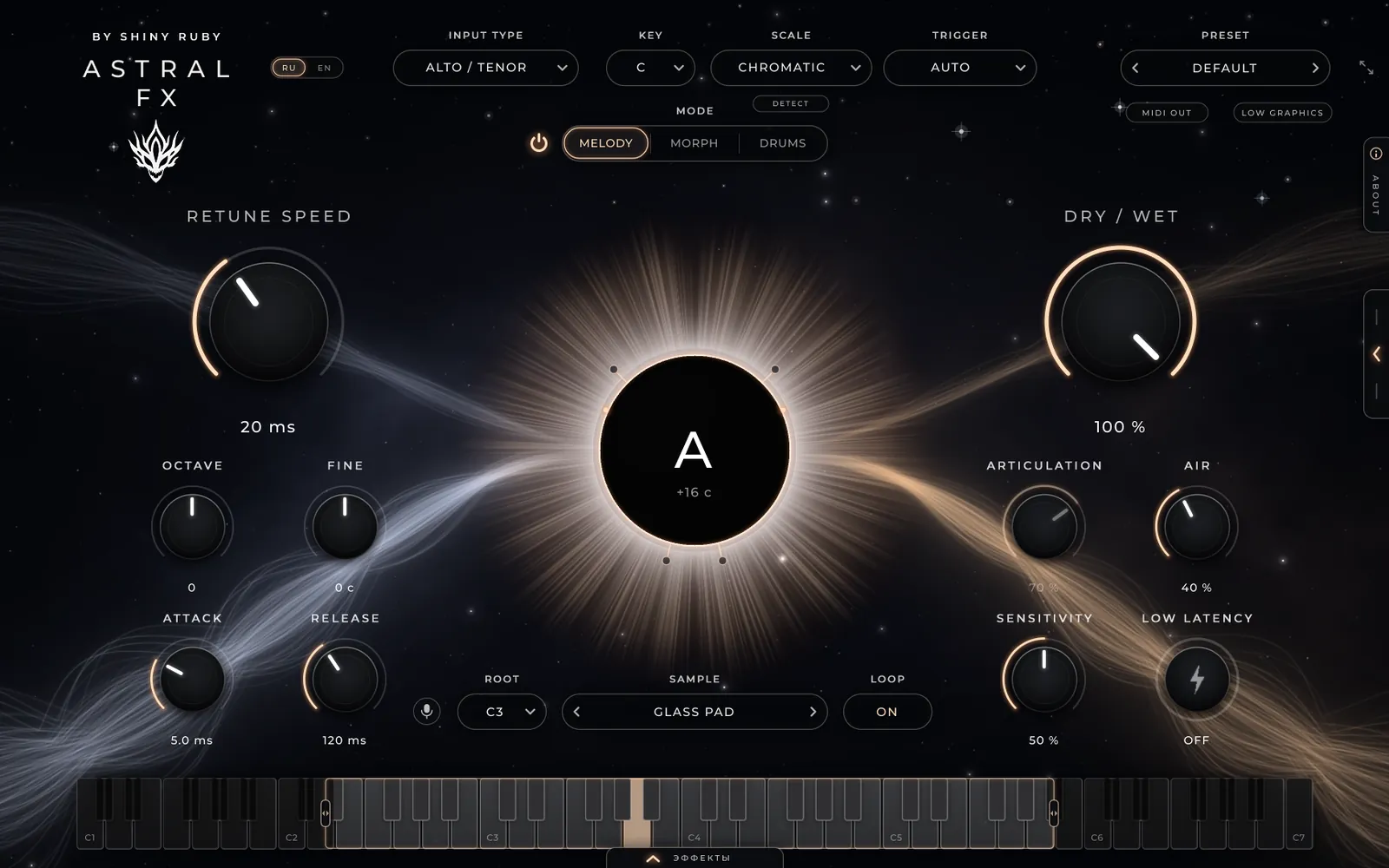
Пойте, а загруженный семпл повторяет ваши ноты и громкость. Пэд, синт, хор, свой звук или бит из битбокса, плюс эффекты и запись спетого в MIDI. Sing, and the loaded sample follows your notes and level. A pad, a synth, a choir, your own sound or a beat from beatbox, plus effects and turning what you sang into MIDI.
КомплектBundle
Оба плагина вместе: тюн для основного вокала, FX для бэков, хуков и звуков из голоса.Both plugins together: tune the lead vocal, and use FX for backings, hooks and sounds made from your voice.
ЛаунчерLauncher
Аккаунт, установка и обновления плагинов в одном окне. Плагины включаются, когда вы вошли в лаунчер, — без кодов активации. Windows 10 / 11.Your account, plugin installs and updates in one window. Plugins switch on once you are signed in — no activation codes. Windows 10 / 11.
РангиRanks
Ранг привязывается к аккаунту в лаунчере и работает на все плагины, включая будущие.A rank is tied to your launcher account and covers every plugin, future ones included.
5 999₽
9 999₽
Как купитьHow to buy
Скачайте лаунчер Astral Studio, создайте аккаунт и подтвердите почту.Download the Astral Studio launcher, create an account and confirm your e-mail.
Нажмите «Купить» в лаунчере или напишите в Telegram @rizzie044 / Instagram @shinylikeruby, назвав свой логин.Press “Buy” in the launcher, or message @rizzie044 on Telegram / @shinylikeruby on Instagram with your login.
Договоримся об оплате — после неё плагин или ранг появится на вашем аккаунте.We agree on payment — then the plugin or rank appears on your account.
Нажмите «Установить» в лаунчере. Плагин включится сам, пока вы в аккаунте. Обновления приходят туда же.Press “Install” in the launcher. The plugin switches on by itself while you are signed in. Updates arrive there too.
FAQ
В любой DAW с VST3 на Windows: FL Studio, Ableton Live, Cubase, Reaper, Studio One, Bitwig. Ещё есть отдельное приложение, которое работает без DAW: микрофон на вход, наушники на выход.Any VST3 DAW on Windows: FL Studio, Ableton Live, Cubase, Reaper, Studio One, Bitwig. There is also a standalone app that runs without a DAW: microphone in, headphones out.
Пока нет, только Windows 10 и 11 (64-bit).Not yet. Windows 10 and 11 (64-bit) only.
В обычном режиме около 40 мс, и DAW сама её компенсирует при сведении. Для записи с мониторингом включите Low Latency: задержка 0 мс.About 40 ms in the normal mode, and your DAW compensates for it on playback. For recording with monitoring, turn on Low Latency: 0 ms.
Плагин откроется с окном «Вход через Astral Studio» и будет пропускать звук без обработки. Так можно проверить, что он встаёт в вашу DAW. Лицензия действует 7 дней и продлевается сама, пока лаунчер запущен или висит в трее.The plugin opens with the “Sign in with Astral Studio” window and passes the sound through unprocessed. That way you can check it loads in your DAW. The licence lasts 7 days and renews by itself while the launcher runs or sits in the tray.
Все обновления и анонсы новых плагинов выходят в Telegram-канале разработчика: t.me/astraldev.All updates and new plugin announcements are posted in the developer’s Telegram channel: t.me/astraldev.
Да: войдите в лаунчер на новом компьютере. К аккаунту можно привязать до 3 компьютеров; если нужно отвязать старый, напишите в Telegram. Активированные раньше по коду плагины продолжают работать.Yes: sign in to the launcher on the new computer. Up to 3 computers per account; to unlink an old one, message on Telegram. Plugins activated earlier with a code keep working.
КонтактыContacts
Отвечаю лично: про цену, оплату, установку и всё, что не работает.I answer personally: price, payment, installation and anything that doesn’t work.
В Telegram-канале разработчика выходят все обновления и анонсы плагинов.All plugin updates and announcements are posted in the developer’s Telegram channel.